LMS Migration
Build Your LMS Migration Business Case
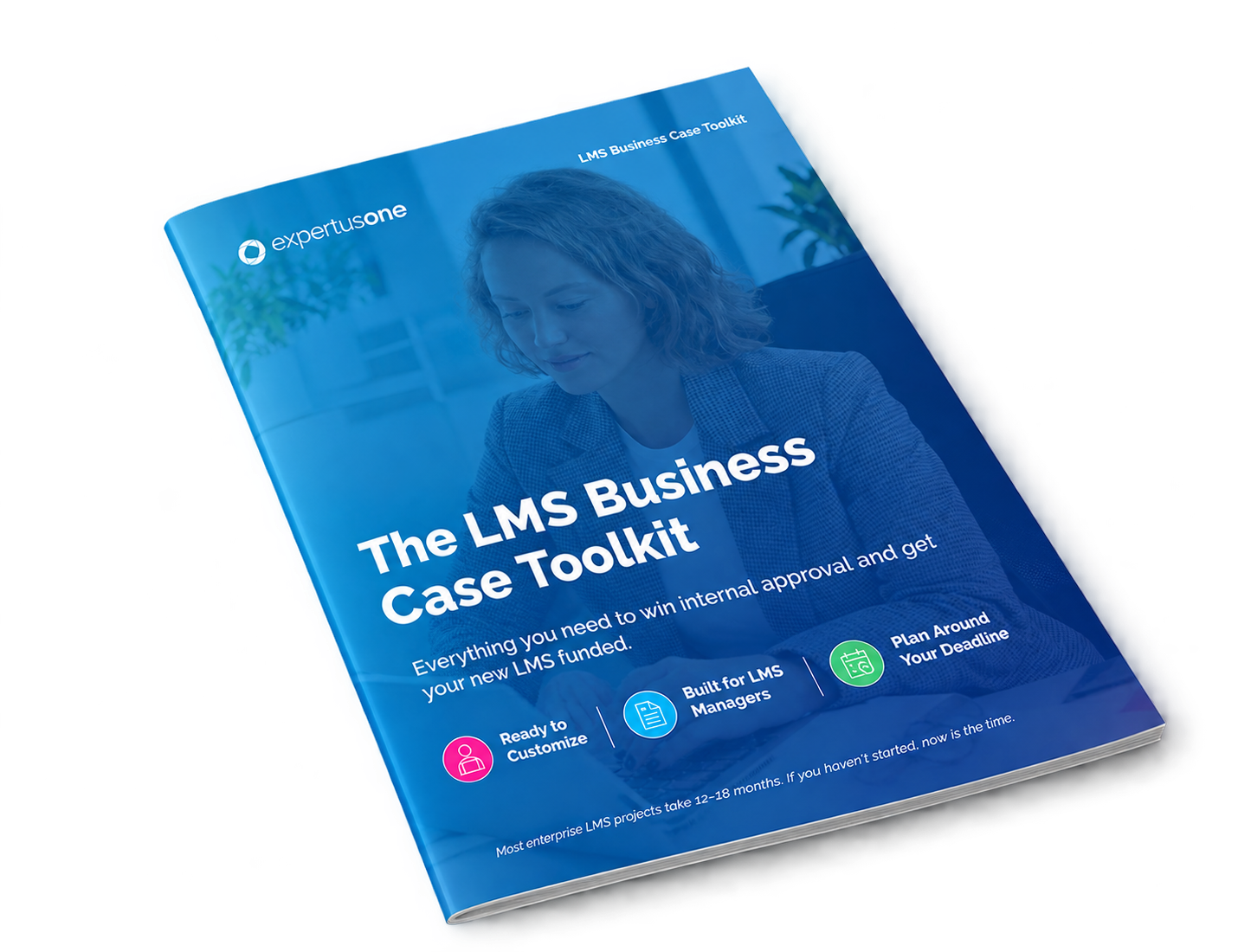
Knowing your LMS needs to change isn’t enough to get leadership on board. You need a business case that clearly shows the costs, risks, and reasons to make the move. This toolkit gives you the executive brief, budget calculations, presentation deck, and answers to the questions leadership will ask. Add your numbers and build a defensible case.
Why LMS migration approval gets delayed
- Finance wants an ROI and a payback period. Compliance wants to know your training records will be safe through the transition. Your executive sponsor wants to know what it costs to wait.
- Miss any one of those and the decision gets deferred. When your current system is holding you back, deferred costs you every month.
- Whatever platform you’re leaving, the toolkit answers all three.
Included ROI calculator
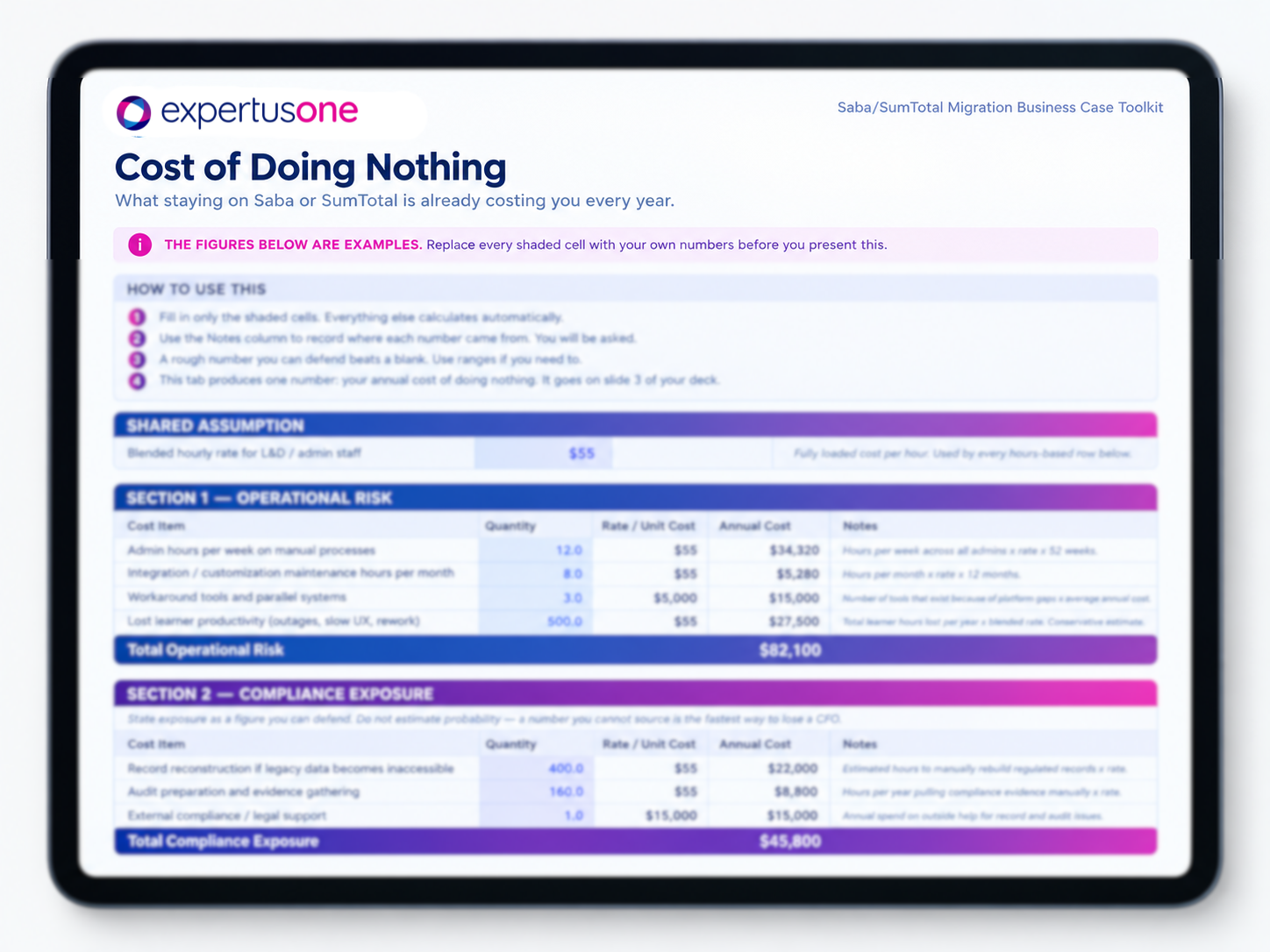
Calculate what your current LMS costs you every year
A live spreadsheet with formulas already built. Enter your admin hours, workaround tools, integration maintenance, and audit prep. It returns the three figures leadership will ask for:
- Your annual cost of doing nothing
- Your net annual benefit after switching
- Your breakeven, in months
Most teams have never totaled this. It takes about twenty minutes, and it’s the number that carries the meeting.
Everything in the toolkit

Timeline Template
Work backward from your go-live date to the latest date you can safely start. That date is your ask.

Cost of Doing Nothing
Put a dollar figure on what your current setup costs every year. That number changes the room.

Presentation Deck
Eight ready-to-edit slides with speaker notes on each, built for a 20-minute leadership meeting.

Budget Worksheet
A live spreadsheet for the costs people forget, like internal staff time and integration rebuilds.
Who it’s for
Built for the person doing the work
The LMS migration timeline
Work backward from your go-live date
Migrations run 12 to 18 months. Whether you’re facing an end-of-support date, a contract renewal, or a fiscal-year deadline, work backward and the window is narrower than it looks.
| If you need to go live in… | You should start… |
|---|---|
| 12 months | Now. A 12-month plan is already tight |
| 15 months | Within the next quarter |
| 18 months | Within six months, and only with a clean environment |